Effortless Uploads
No filenames to enter, no folders to choose – just open the camera, capture, and move on.
Take photos and videos and let OneLens upload them automatically to one or more cloud services:
• OneDrive
• Google Drive
• More coming soon
OneLens is a camera app built take photos and upload photos directly to your cloud services and keep work/school photos separate from your personal memories.
No filenames to enter, no folders to choose – just open the camera, capture, and move on.
Take photos and videos and let OneLens upload them automatically to one or more cloud services:
• OneDrive
• Google Drive
• More coming soon

Photos taken with OneLens never appear in your iPhone's camera roll and go straight to your cloud.
• Use the iPhone Camera app for personal memories
• Use OneLens for work, school, or project documentation
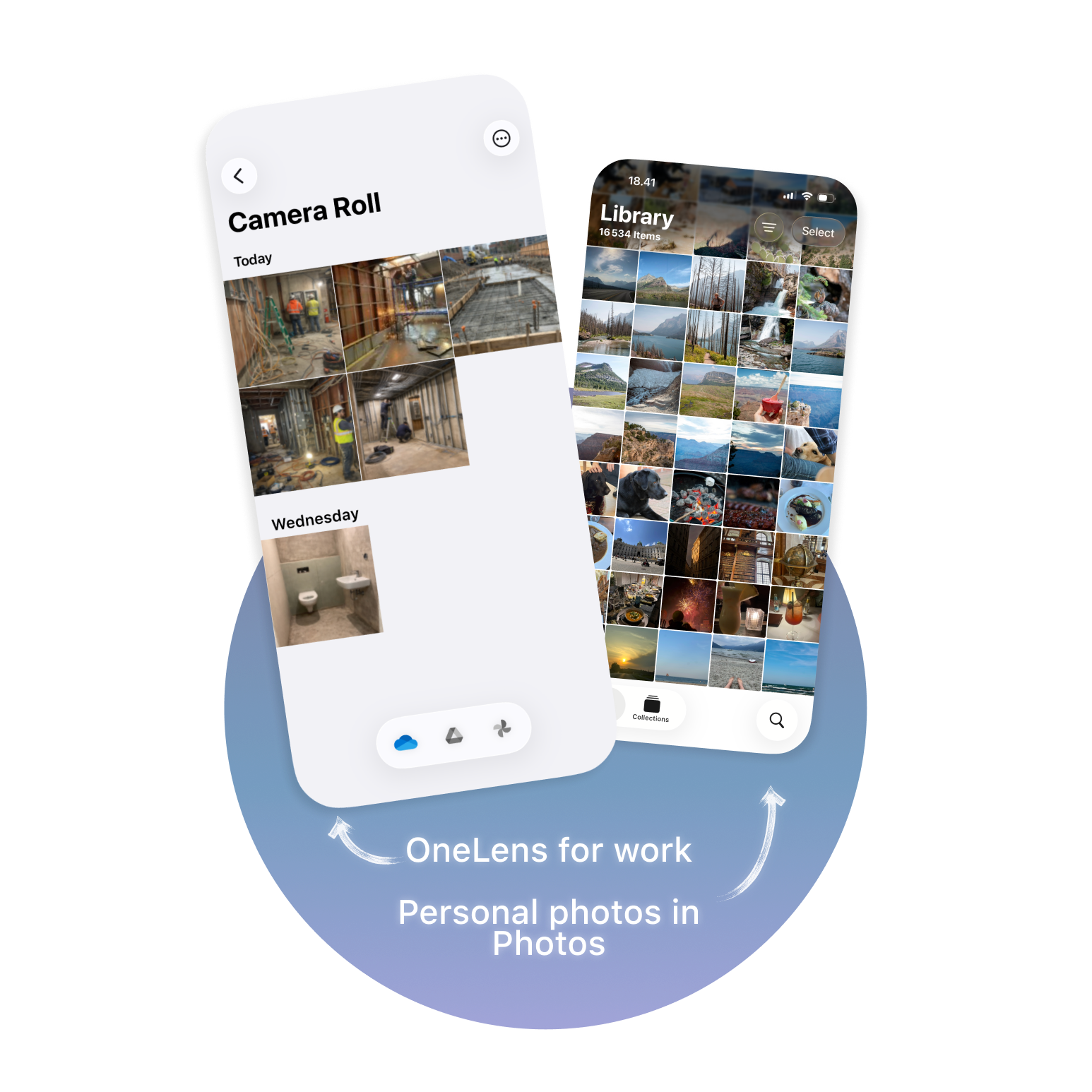
With OneLens placed on your Lock Screen or Action Button, you can launch the app, take photos, and share them within seconds.
• Share via Mail, Messages, AirDrop, and more
• View photo details such as date, size, and focal length
• Delete files directly from the cloud


